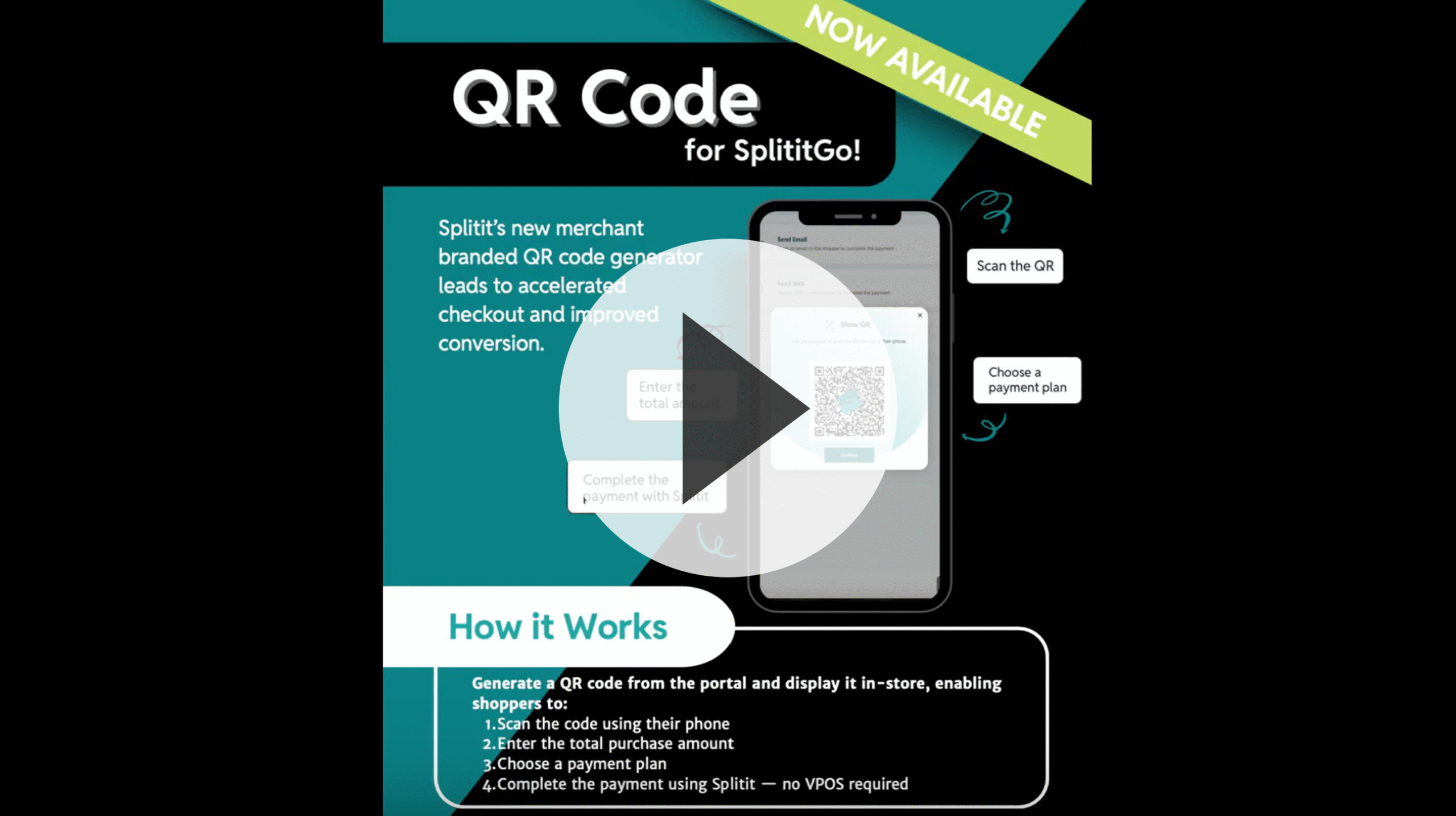
Merchant QR Code
Introducing: Splitit GO QR Code

A smarter, faster way to help families enroll

New! Splitit GO QR Code – A smarter, faster way to help families enroll.

Less friction and less steps.

  • No staff logins
  • No manual plan creation

How to Use It

Getting started is simple.

Parents start on their phone – scan, checkout, and enroll.
It’s a checkout shortcut that saves your team time and helps more families say “yes” to tutoring

1. Log into your Merchant Hub

  • Make sure to login again & refresh for the new feature!
  • Same login – no other changes

2. Select Tab “Generate QR Code”

  • The QR Code is designated for your specific account.
  • *For those with Multiple Accounts/Locations, please make sure to generate QR Code for each location.*

3. Print it out and/or Display

  • Checkout iPads or POS screens ( digital screens)
  • Employee desks or waiting areas ( as table toppers or flyers)
  • The window clings near your entrance to catch attention before they walk in

Marketing Downloadables

QR Code: Cheatsheet
Download

Why Use It?

Splitit GO QR Code isn’t replacing your current flow—it’s adding a smarter option for in-person enrollments.

With fewer steps and no staff login required, it helps families take action faster while freeing up your team’s time.

Splitit now gives you two simple ways to offer payment plans: (1) the legacy method for remote or phone-based plans, and (2) a new QR Code feature for faster, self-started in-person checkouts.

Choose what fits your situation—or use both!